Draftwright — CAD to technical drawings
Turn a CAD model into a technical drawing.
What is Draftwright?
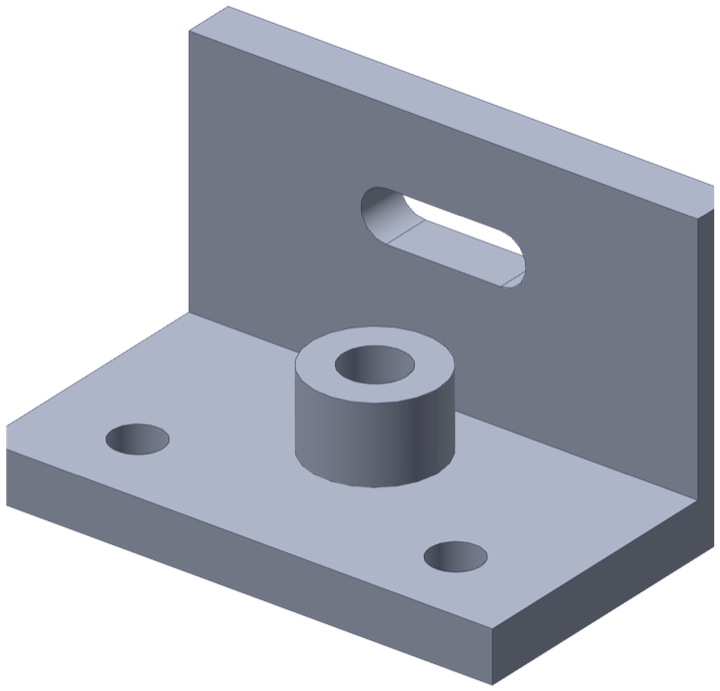
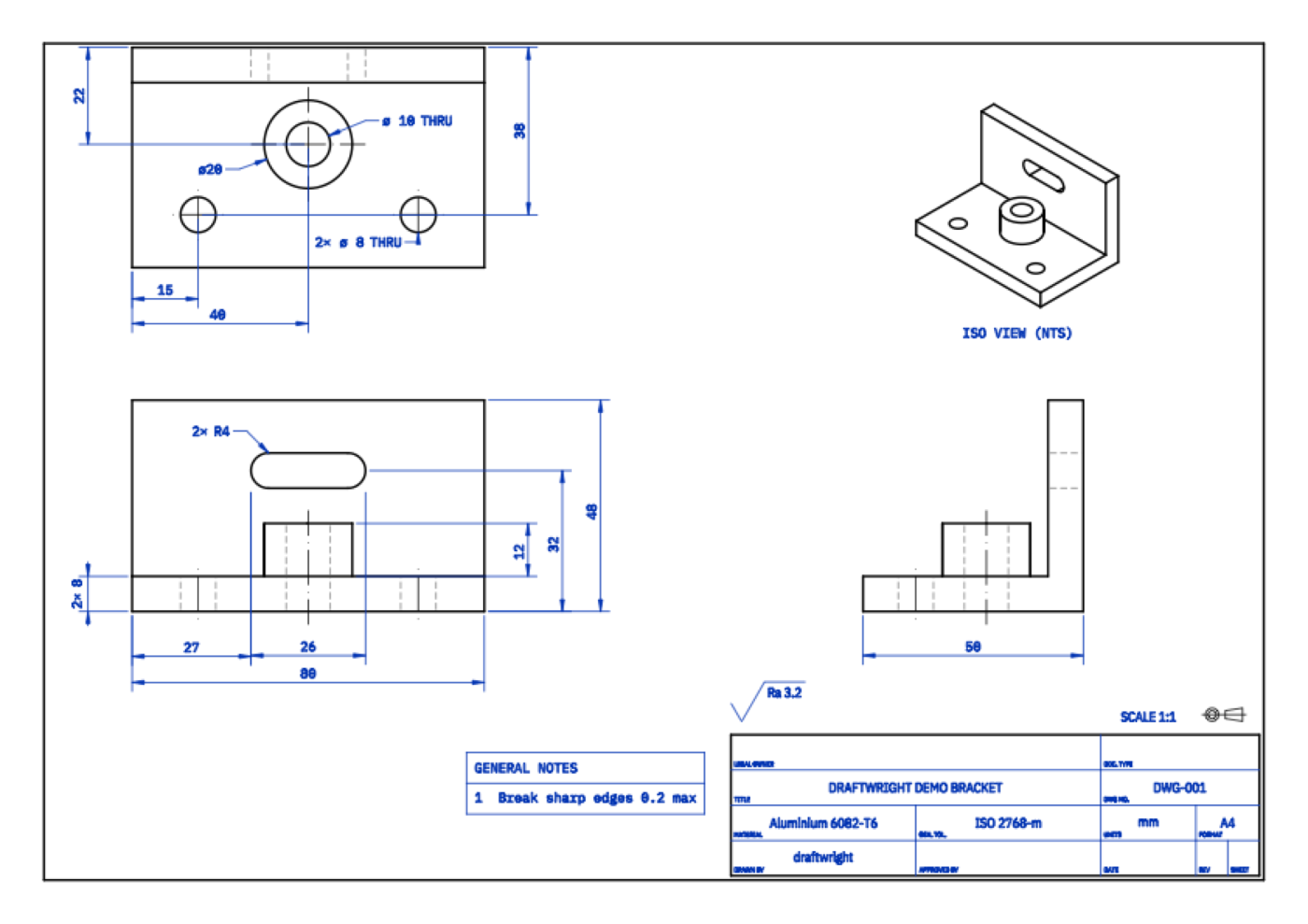
Export a STEP file from your CAD. Draftwright turns it into an editable baseline drawing and downloadable PDF. You can then improve it with AI and compare the Improved drawing with the Baseline.
Key Features
- STEP to drawing — Recognised geometry becomes orthographic views, dimensions, notes, and a title block
- PDF delivery — Review the drawing in the browser and download the current PDF
- Editable Sheet script — The drawing remains an explicit Python declaration rather than an opaque image
- Optional Improved drawing — Improve the Baseline with AI, then compare both versions
- Human verification — You decide whether the Improved drawing is useful and check every output before manufacture
How It Works
Upload a STEP file and Draftwright creates the Baseline. The optional AI step inspects, edits, and renders a separate Improved drawing. You compare it with the Baseline and verify the drawing against the real requirement. The no-login trial includes one improvement.
Save your work
Sign in with Google to keep projects and return to your drawings. A temporary no-login trial includes a Baseline and one Improved drawing.
Privacy Policy · Terms of Service